Anúncio

Videos Na Internet / Tecnologia - Página 60

Aqui listamos os melhores Vídeos sobre Tecnologia

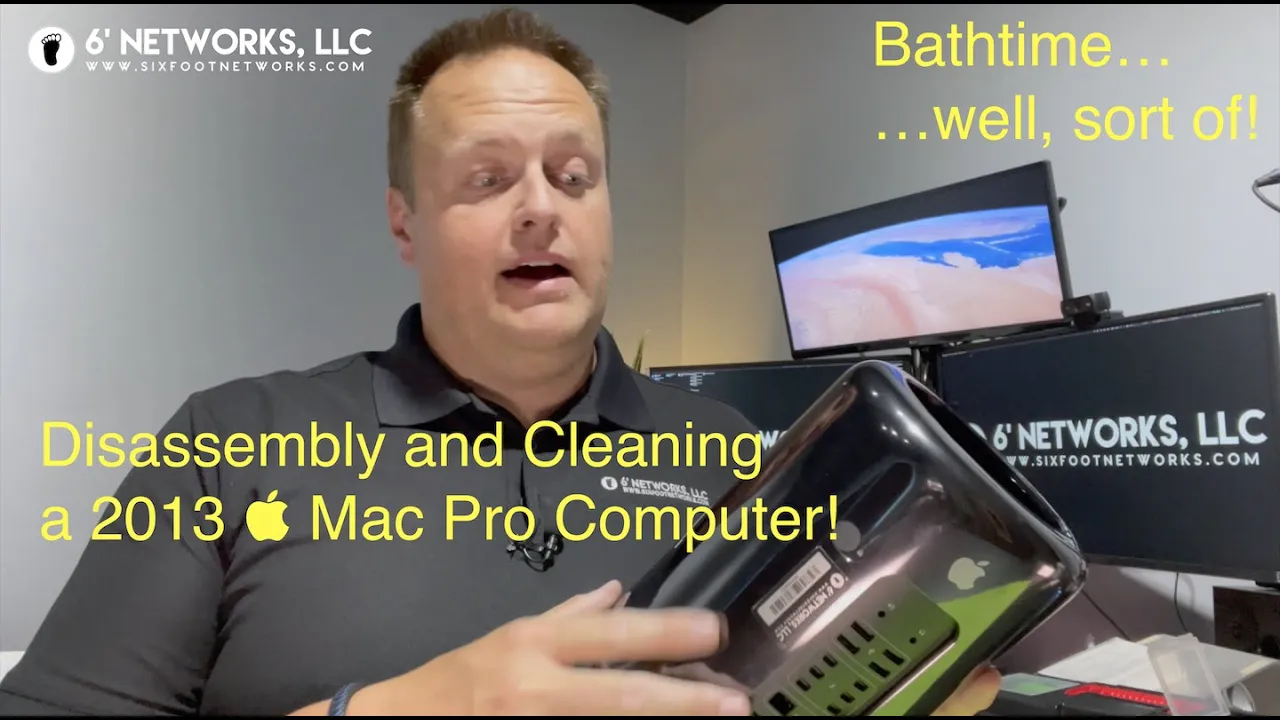
2013  Mac Pro Partial Disassembly and Quick Cleaning Inside - 6' Networks, LLC 21:57
2013  Mac Pro Partial Disassembly and Quick Cleaning Inside - 6' Networks, LLC
Here we have a 2013  Mac Pro cylinder computer, aptly named the "Trashcan" which we will disassemble a bit and clean with some compressed air and some Isopropyl Alcohol. These systems are cleaned regularly, at about twice a year, so there's not much inside, but hopefully you'll enjoy the video and get something positive out of it. In an effort to not continually purchase cans of air for cleaning various gadgets, I bought an electric battery-operated compressor, which was a pretty decent choice given the buffet of them on Amazon. I'm pretty sure they're all about the same, but some of them are rated worse, which I would personally steer clear from. Although, that said, there are some electric compressors that are corded, which means you plug them into the wall to use. Those are great, but more industrial, and they are less friendly towards being lightweight and travel-friendly. :) Along with that compressor, I have a hodge-dodge toolbox with every tool in it that I have collected in the last 22 years of doing IT. Some of my tools are still from my college days, and they keep on tickin'. Others are from the dollar store such as my tiny philips head or flat-head screwdrivers (the small ones). Others are specialized, like my iFix It sets that are specifically made with computers in mind... Finally, I don't rip the whole computer apart as this was meant as a field-strip sort of way to clean the insides of these computers without adding risk of damaging some of the critical components that are on the inside of the cylinder core, such as the processor, and everything else. Nevertheless, I hope you enjoy this video, and if you haven't already done so, please consider subscribing to our channel as it really does help us create more content for you guys in the future. Hit thee like button if you liked it, too. Anything helps these days. Thank you for watching! Gear used to make this video: Cameras: Go Pro Hero 6 Black (Handcam) Go Pro Hero 8 Black (Face) Mics: iPhone 12 Pro Max (Mic In) This video was edited on: 2018  MacBook Pro (2TB | 2.9 GHz 6-Core Intel Core i9 | 32GB RAM) Running macOS Big Sur Beta v.11.5 Beta (20G5042c)  Final Cut Pro - v.10.5.3 This video was shot on: (June 20, 2021). Contact info: 6' Networks, LLC Email: info@sixfootnetworks.com Web: www.sixfootnetworks.com #computers #technology #electronics #instatech #geek #gadgets #techie #gadget #device #electronic #laptops
0 0   92   27-10-2023   Tecnologia   0
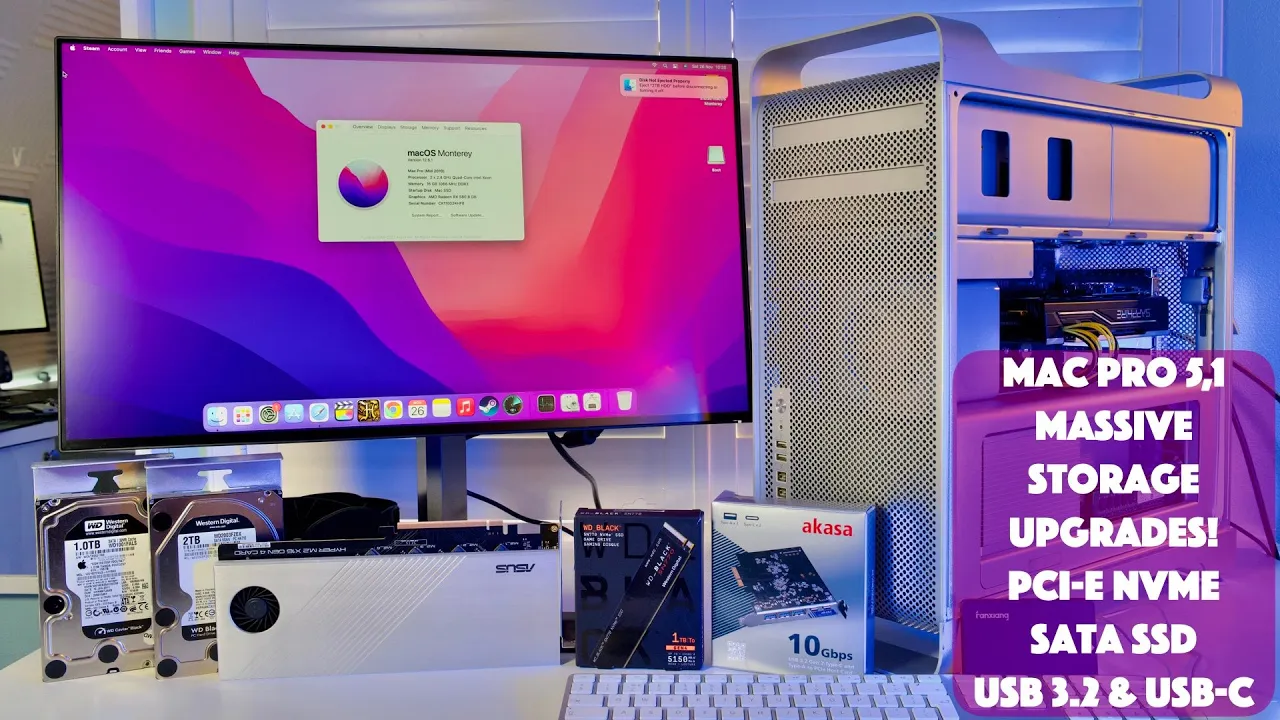
The Complete Guide to Installing macOS Monterey 12 on Mid 2010/2012 Mac Pro 5,1 39:03
The Complete Guide to Installing macOS Monterey 12 on Mid 2010/2012 Mac Pro 5,1
The complete guide to installing macOS Monterey on your Mid 2010/2012 Mac Pro (5,1), including adding Thunderbolt 3, USB Type-C, AMD RX GPU Acceleration, and more! Please read full description for links to timestamps, items I purchased and other supporting links. Alex BootROM Thread: https://forums.macrumors.com/threads/macpro5-1-bootrom-thread-144-0-0-0-0.2132317/ Martin Lo Package: https://forums.macrumors.com/threads/activate-amd-hardware-acceleration.2180095/page-53?post=28255048#post-28255048 OpenCore Legacy Patcher: https://github.com/dortania/OpenCore-Legacy-Patcher/releases Generic NVMe SSD Adapter (1500mb/s): https://amzn.to/39cjTl5 High Speed Switched NVMe SSD Adapter (3200mb/s): https://amzn.to/3NsKmcW My NVMe of Choice for Install: https://amzn.to/3xaXa0T RAM for Mac Pro: https://eshop.macsales.com/shop/memory/owc/apple-mac-pro/2010-2012 Wi-Fi Bluetooth Adapter: https://amzn.to/3GU2CJY Wi-Fi Bluetooth Extension: https://amzn.to/3au6rcz Vampliers if your Original Wi-Fi card screw is stripped: https://amzn.to/3mnYGYg Pixlas Mod Cable Source 1: https://www.moddiy.com/products/Premium-Open-End-to-Dual-8-Pin-PCIE-Sleeved-Cable-30cm-to-80cm.html Pixlas Mod Cable Source 2: https://kareonkables. com/products/mac-pro-pixlas-mod-open-end-to-dual-6-2-pin-sleeved-cable Pixlas Mod Connectors: https://amzn.to/3Q22Z9j Pixlas Mod Crimp Tool: https://amzn.to/3tlkojL Thunderbolt 3 Card: https://amzn.to/3xople1 OWC 2.5" SSD Sled: https://amzn.to/3GUKSxU My 32" 4K Dell Display after getting rid of Thunderbolt display and 30" Apple Cinema Display: https://amzn.to/38Vuoct 0:00 Intro 0:16 Check BootROM Version 1:08 Re-enable nVidia Driver 1:43 Update BootROM 3:57 Check Updated BootROM 4:07 BootROM Reconstruction Service 6:33 Getting Monterey Installer 8:01 Installing NVMe SSD Adapter 9:29 Monterey Installer 10:54 Monterey First Boot 11:49 Install OpenCore Martin Lo Package 12:58 Upgrading RAM 14:07 Upgrading Wi-Fi/Bluetooth Card 16:08 Got a Magic Trackpad =D 16:26 Removing Old GPU 16:45 Pixlas Mod 24:51 Installing new GPU 5700 XT 25:18 USB-C PCIe Card 25:54 Testing bluetooth with Magic Trackpad 26:21 Thunderbolt 3 PCIe Card 31:51 Thunderbolt Display Issues 35:12 OWC SSD Sled 35:46 HVEC with Compressor/Final Cut Pro X 36:56 Updating Open Core Martin Lo Package 38:20 Conclusion
0 0   112   27-10-2023   Tecnologia   0
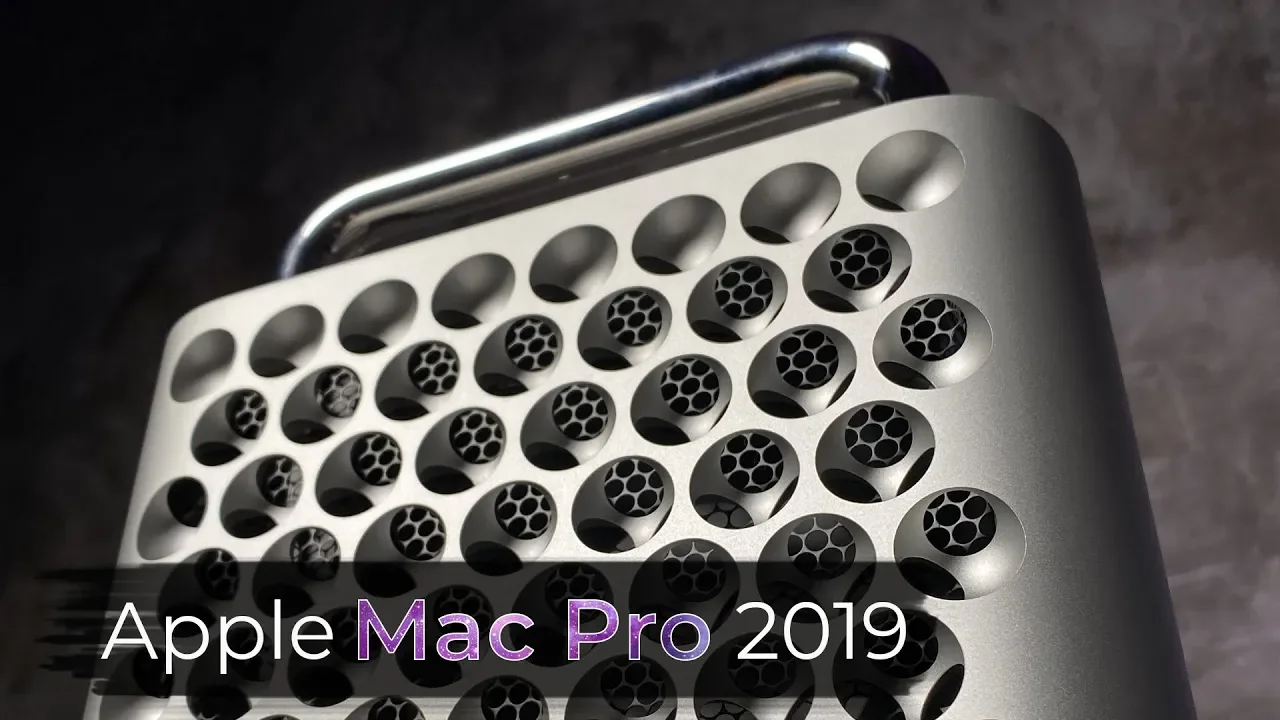
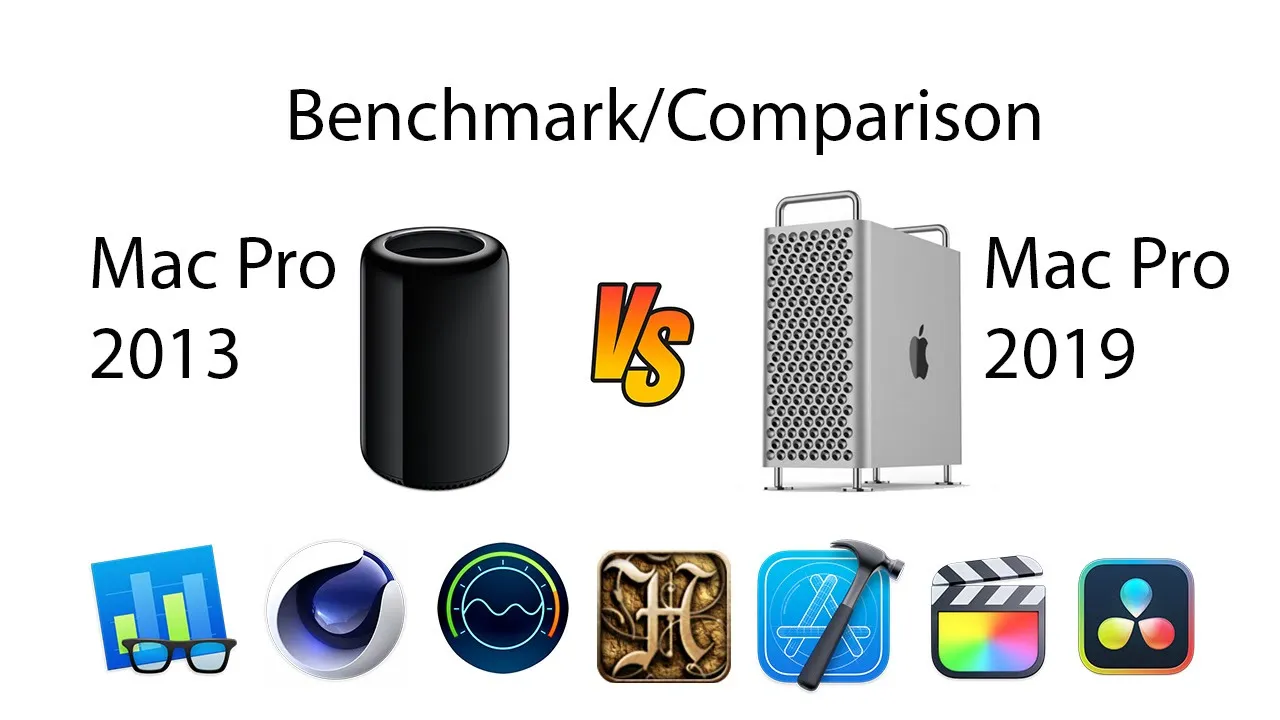
Gaming with a Mac Pro 2019? 6600 XT vs 6900 XT vs M1 Max vs Gaming PCs 22:36
Gaming with a Mac Pro 2019? 6600 XT vs 6900 XT vs M1 Max vs Gaming PCs
In this video, I try to cover what it's like to game with the Mac Pro 7,1 2019 using modern GPUs. Things are much better for the Mac Pro 2019 since it was released, mostly due to the availability of newer GPUs. My Patreon: https://www.patreon.com/dmug 0:00 - Intro 1:03 - Mac Pros 2019s are easier to acquire 1:39 - Hardware Overview 4:02 - Test bench 4:16: - Installing the GPU is almost straight forward 5:10 - Beware, GPUs are longbois 6:59 - Hardware Requirements Summary 7:32 - Why Mac gaming isn't so great 8:47 - Shadow of the Tomb Raider Benchmarks 10:20 - Windows vs macOS for Mac Gaming 12:25 - Red Dead Redemption Benchmarks 12:48 - Far Cry 6 Benchmarks + vs gaming PCs 15:11 - Lord of the Rings: Shadow of War 15:29 - 3Dmark Benchmarks 16:40 - Emulation in Windows 17:17 - What about the 6600 XT? 18:10 - ML Upscaling 19:19 - Should you get a 2019 Mac Pro? 20:46 - Closing Comments - Corrections, I think I refer to the 14 inch MacBook Pro as a 24 inch. Derp. 24 core GPU. I've written an entire upgrade guide on the Mac Pro 2019, which you can check out here. https://blog.greggant.com/posts/2021/12/19/definitive-mac-pro-2019-upgrade-guide.html There's so much more that could have been covered. For starters, I could have covered more games that are popular in different genres, especially the PUBG variety that all the kids play. However, never having played these or any online games, I elected to skip them. Also, I'd loved to compare against a 2010 Mac Pro with these same GPUs but I no longer own one and it'd be fantastic to compare a 3080 Ti vs 6900 XT in the Mac Pro 2019. I realize I committed a cardinal sin of benchmarking, not doing all of them myself but realistically, this is impossible for obvious reasons (time, money). Also, I'm not accounting for driver differences as generally, GPU drivers mature over time, unlocking better performance. When possible, I tried to use the closest and most recent tests. Obviously, tricked gaming PCs do better, but in my personal opinion, the Mac Pro 2019 does a fine job of gaming. This is my opinion, I'm not a hardcore gamer, nor do I even identify as a gamer myself. People who are gamers certainly will have opinions. People are often concerned with bottlenecking and its never a hard performance cliff, rather performance realized. As you crank visual fidelity and resolution, the limiting factor tends to be the GPU whereas lower resolutions and lower fidelity tends to be a function of CPU as the limiting factor. For every frame-per-second added, you will end up needing to perform more calculations per second on the CPU side. Ultra high refresh gaming (generally beyond 120 Hz) likely would show a wider gap between the top tier gaming PC and 2019 Mac Pro. Also, my visual fidelity tests aren't the best. Sorry, I captured them and it wasn't until late reviewing I noticed the bitrate hammered some of the visual fidelity. It's easy to see 1080p vs 4k but harder to see the ML upscaling differences between 1080p vs 1440p. Live and learn, as I didn't think to look for capture quality settings in the AMD software. Bonus content: https://www.youtube.com/watch?v=TiumEZHaY2w Videos you might like by me: MacBook Pro M1 Max Review by a Mac Pro 2019 owner https://www.youtube.com/user/slickninja1/videoshttps://www.youtube.com/watch?v=8RnAPiC3uNs macOS 13 Ventura and the classic Mac Pro 2010 5,1 and Mac Pro 2013 6,1 https://www.youtube.com/watch?v=g9PmHvHNTnA Arcade /NeoGEO Emulation (MAME) on Apple Silicon M1 and Intel x86 Macs https://www.youtube.com/watch?v=-par-QHi-A4 Mac Pro 2010 vs the Oculus Quest 2 https://www.youtube.com/watch?v=8RnAPiC3uNs 6x50 Compatibility: https://forums.macrumors.com/threads/rx-6950xt-and-6650xt-compatibility-in-macos.2344391/ GPU Lengths: https://www.iswitcher.tips/which-graphics-cards-work-in-mac-pro-2019/ Snazzy Lab's Can You Game on a $6,000 Mac Pro https://www.youtube.com/watch?v=HZUADicY-ko Benchmarks Used https://www.tomshardware.com/news/far-cry-6-benchmarks https://www.techspot.com/article/2339-far-cry-6-benchmarks/ https://www.thefpsreview.com/2022/02/08/intel-core-i9-12900k-vs-amd-ryzen-9-5900x-performance-review/ https://www.tomshardware.com/news/amd-radeon-rx-6950-xt-first-3dmark-score-leak https://www.guru3d.com/articles-pages/amd-radeon-rx-6900-xt-review,1.html https://www.macworld.com/article/630297/m1-ultra-vs-m1-max-benchmarks-speed-graphics.html Software/Hardware used to make this video: Software: Final Cut Pro, Motion, Pixelmator Pro, Cubase, Ableton, Keynote, AMD Catalyst Capture Hardware: Shure SM7b, FocusRite Clarett, Rode Wireless Go, Olympus OM-D EM5, iPhone 12 Pro, DJI Osmo Pocket, Mac Pro 2019 + M1 Max Music by me.
0 0   105   27-10-2023   Tecnologia   0
170.000 TL’lik MacBook Pro alırsanız ne olur? - Hakkı Alkan’a sorduk! 22:38
170.000 TL’lik MacBook Pro alırsanız ne olur? - Hakkı Alkan’a sorduk!
Apple'ın kendi tasarımı olan ARM tabanlı işlemcileri, düşük güç tüketimiyle yüksek performansı birleştirerek kullanıcılar arasında büyük popülerlik kazandı. M2 Max işlemcisi, Apple'ın önceki M1 işlemcisini daha da ileri götürerek MacBook Pro kullanıcılarına daha hızlı ve verimli bir deneyim sunuyor. Bu videomuzda, M2 Max işlemcili MacBook Pro'nun güncellenen özelliklerini ve kullanıcıya sağladığı avantajları ele aldık. M2 Max işlemcili MacBook Pro satın almak için: https://bit.ly/42l7TTJ M2 Max işlemcili MacBook Pro, önceki M1 Max'e göre yüzde 30 daha yüksek bir performans sunarak kullanıcıların beklentilerini aşmayı hedefliyor. Bu işlemci, daha büyük bir GPU ile birlikte geliyor ve kullanıcıların ihtiyaçlarına göre 38 adede kadar çekirdek yapılandırılabilir. Ayrıca, M2 Max, M2 Pro'dan iki kat daha fazla birleşik bellek bant genişliği olan 400 GBps sunuyor. Sekiz adede kadar yüksek performans çekirdeği ve dört adede kadar yüksek verimlilik çekirdeğiyle yapılandırılabilen 12 çekirdekli CPU'su, M1 Max'ten yüzde 20'ye kadar daha iyi performans sağlıyor. M2 Max işlemcisi, MacBook Pro'nun yapay zeka tabanlı özelliklerinin daha hızlı ve verimli çalışmasını sağlayan gelişmiş bir yapay zeka işlemcisine sahip. Bu işlemci, görüntü tanıma, doğal dil işleme ve diğer yapay zeka görevlerini daha hızlı ve doğru bir şekilde gerçekleştirebiliyor. Kullanıcılar, M2 Max işlemcisi sayesinde daha gelişmiş yapay zeka özelliklerinden yararlanarak daha akıllı ve etkileşimli deneyimler yaşayabilecekler. Yeni MacBook Pro modelleri, yüksek kaliteli ekranlar ve Apple'ın en son teknolojilerini içeren diğer gelişmiş özelliklere sahip olacak. Bu, kullanıcılara daha etkileyici bir görsel deneyim sunacak ve işlevselliklerini daha da artıracak. M2 Max işlemcili MacBook Pro, Apple'ın güçlü işlemci teknolojisiyle güçlendirilmiş, daha yüksek performanslı bir cihaz. Ayrıcalıklardan yararlanmak için bu kanala katılın: https://bit.ly/SDNKatil Discord sunucumuza üye olun ve bizimle iletişimde kalın: https://bit.ly/SDNDiscordYouTube Teknoloji videoları ve teknolojiye dair her şey için kanalımıza ABONE Olun ►►https://goo.gl/ylUFmZ Tüm İnceleme videolarımızı buradan izleyebilirsiniz ►► https://goo.gl/IIKYIK ShiftDelete.Net‘i tüm sosyal ağlarda takip edin ; Instagram ►► https://goo.gl/r4AJDv Facebook ►► https://goo.gl/k1D1JL Twitter ►►https://goo.gl/vTwhws SDN Forum ►► https://bit.ly/2AQ2DR7 ShiftDelete.Net YouTube hesabı, Türkiye'nin en büyük teknoloji sitesinin video kanalıdır. ShiftDelete.Net ile en yeni teknoloji haberlerine, videolu olarak ulaşabileceksiniz.k
0 0   87   27-10-2023   Tecnologia   0
UNSUPPORTED MACs with Monterey & Ventura - Ultimate Tutorial! 27:12
UNSUPPORTED MACs with Monterey & Ventura - Ultimate Tutorial!
Join my Discord for Questions & Answers: https://discord.gg/rAhpJNqaKS Which (unsupported) Mac models can be updated to macOS Monterey or Ventura and are a good bargain to save money on a new one? How to easy update or install macOS Monterey 12.5 from scratch? Questions & answers to most of the problems that can arise and an outlook, what Ventura will change for unsupported Macs - everything in this tutorial! You never need anything else anymore... MANUALLY EDITED SUBTITLES FOR MORE DETAILS! OTHER VIDEOS: ============= Detailed overview of unsupported Mac mini / Mac Pro: https://youtu.be/bt9e5NeZS6Y Detailed overview of unsupported MacBook (Air): https://youtu.be/mtNpSUSTO4s Detailed overview of unsupported iMac: https://youtu.be/6DUVc_TSqcY Detailed overview of unsupported MacBook Pro: https://youtu.be/AmnhPdKIPRY Trouble with UNSUPPORTED MACs with OpenCore? https://youtu.be/tYu7GjWz4rg OpenCore detailed in-depth tutorial: https://youtu.be/HtukcFsb8JM Upgrade Mac Pro WiFi/Bluetooth module for Airdrop & Sidecar: https://youtu.be/aBJZMV67sA8 WEBSITES: ========= Latest Legacy Patcher Download: https://github.com/dortania/Opencore-Legacy-Patcher/releases Latest OpenCore Download: https://github.com/acidanthera/OpenCorePkg/releases OpenCore Install Guide: https://dortania.github.io/OpenCore-Install-Guide/ CHAPTERS: ========== 0:00 Why is it ULTIMATE? 1:25 UNSUPPORTED Macs that work with Monterey 2:05 Monterey on MacBook Air 2:35 Monterey on MacBook Pro 3:01 Monterey on MacBook 3:25 Monterey on iMac 3:50 Monterey on Mac Pro 4:09 Monterey on Mac mini 4:34 Easy Update for UNSUPPORTED Macs 6:30 Mac Pro with PC graphic cards 7:41 Create a USB Installer for UNSUPPORTED Macs 11:28 Questions & Answers 11:42 How to prevent automatic updates? 12:34 My Mac doesn't show updates! 13:13 My Mac is stuck! 13:56 How to set standard boot option? 14:07 Graphics, WiFi, Bluetooth not working! 14:52 My Mac doesn't connect to WiFi! 15:19 My Mac Pro doesn't have graphic acceleration! 16:11 My USB devices don't work! 16:57 How can I see macOS recovery? 17:17 How can I reset NVRAM? 17:49 How can I boot without OpenCore? 18:13 How can I disable SIP? 18:49 Error: Mac needs a Firmware Update! 19:33 Error: Volume Hash Mismatch! 20:08 Outlook on macOS Ventura 21:51 BREAKING NEWS about Ventura! 22:40 Ventura on MacBook Pro 23:30 Ventura on MacBook Air 23:54 Ventura on MacBook 24:12 Ventura on iMac 24:44 Ventura on Mac mini 25:13 Ventura on Mac Pro 25:56 Comments & Questions 26:12 A question to the community 26:34 Updates If there are any concerns about copyright, please do not hesitate to contact me! All credits go to the creators of OpenCore, OC Legacy Patcher and many more who made all this possible! #JessiesFlying #Monterey #Ventura
0 0   73   27-10-2023   Tecnologia   0
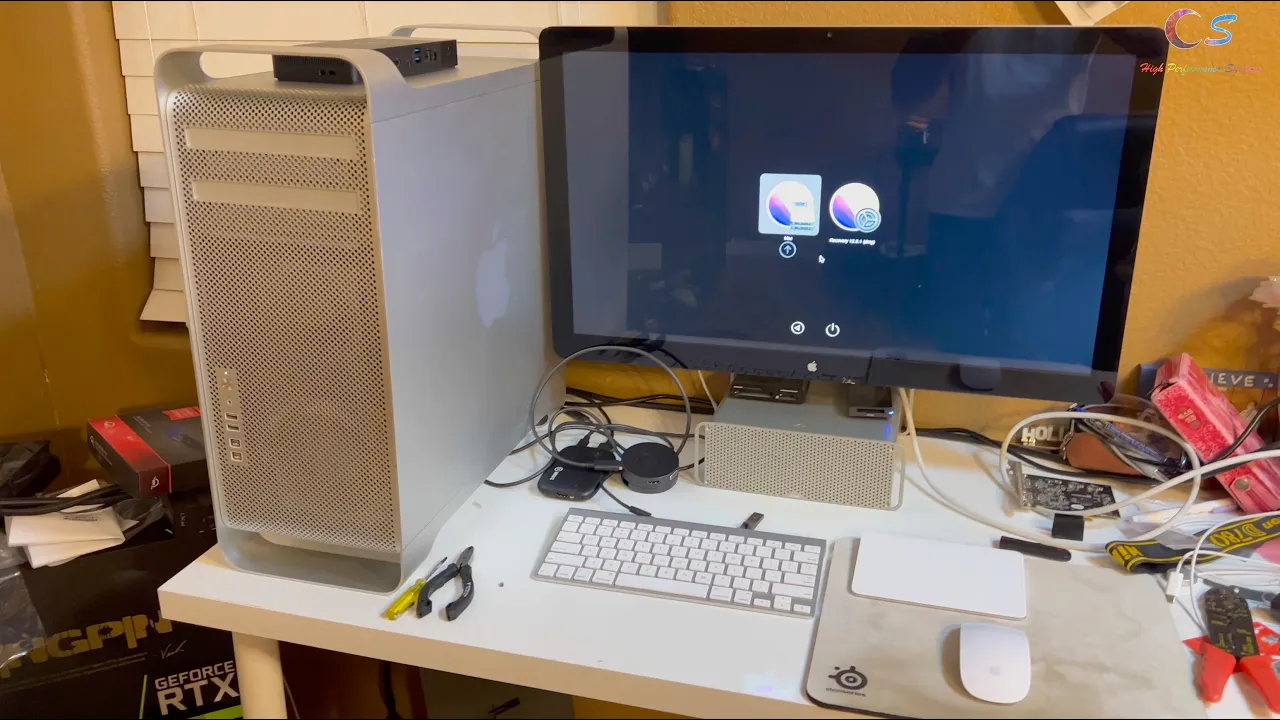
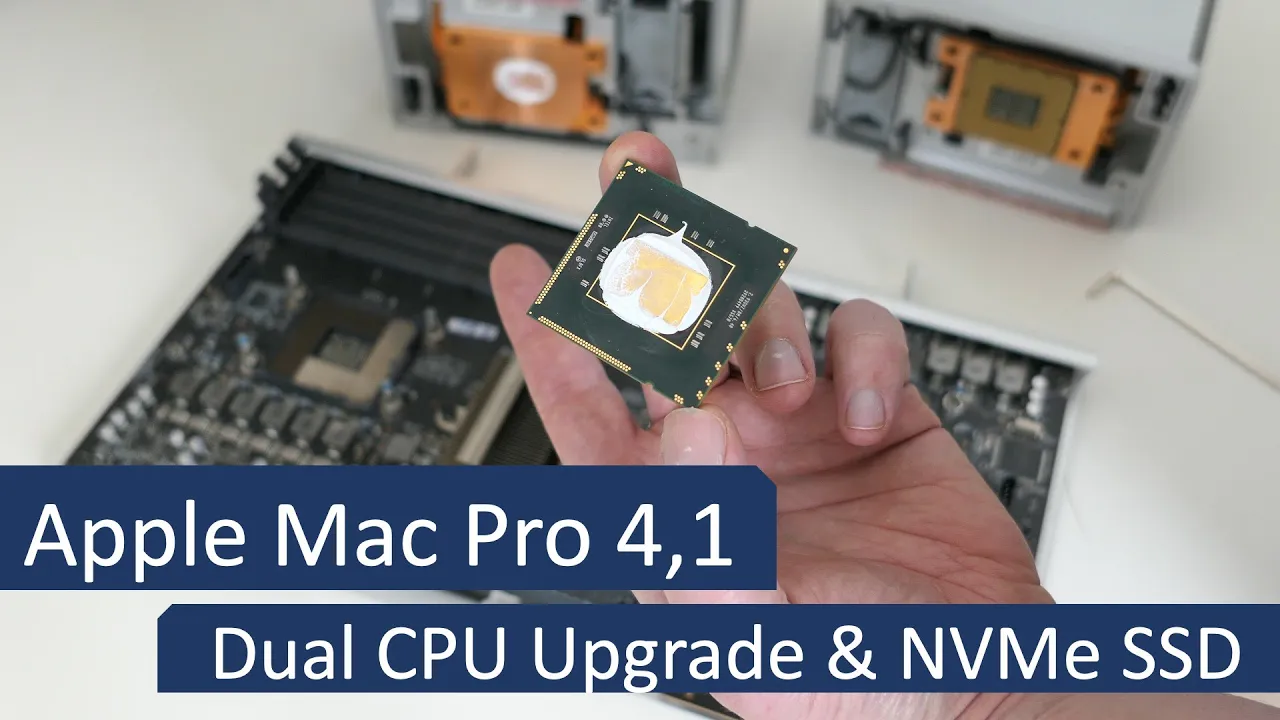
Mac Pro 4,1 - Full hardware and software upgrade to Big Sur 24:19
Mac Pro 4,1 - Full hardware and software upgrade to Big Sur
In this video, I will upgrade a classic Mac Pro 4,1 all the way up to Big Sur. From hardware perspective, I will upgrade the memory, CPU, GPU and install a SSD. In terms of software we start with Leopard and will go through the necessary steps to end up with a powerful system running Big Sur. All info discussed and shown in the video can be found well-documented on my blog, jensd.be, as well. For this video: https://jensd.be/1263/apple/complete-mac-pro-41-soft-and-hardware-upgrade-all-the-way-up-to-big-sur Other links which I shared in the video: - Older OS X installation files from Apple (El Capitan, High Sierra): https://support.apple.com/en-us/HT211683 - Firmware for 5,1: https://support.apple.com/kb/dl1321?locale=en_US - Netkas firmware patcher: http://forum.netkas.org/index.php/topic,852.0.html - MicropatcherAutomator: https://github.com/moosethegoose2213/automator-for-barrykn-micropatcher - GPU compatibility for the Mac Pro: https://forums.macrumors.com/threads/gpu-compatibility-list-for-cmp.2174600/ Background music: –––––––––––––––––––––––––––––– Track: Vision — KV [Audio Library Release] Music provided by Audio Library Plus Watch: https://youtu.be/6oaNza9XWF8​ Free Download / Stream: https://alplus.io/vision​ ––––––––––––––––––––––––––––––
0 0   150   27-10-2023   Tecnologia   0
2009 Mac Pro 5,1 Extreme Upgrade 26:14
2009 Mac Pro 5,1 Extreme Upgrade
The Paper Street Audio Company main Mac Pro is still an older maxed out 5.1. It performs great now with these upgrades. Everything I chose had to be fully Apple supported officially. No hacks, no 3rd party drivers, no workarounds. Everything had to have proven stability and performance. Everything had to offer a great advantage to my more modestly updated Mac Pro. It’s possible to go further with the video card than I did, but the RX 580 exceeds my needs and I couldn’t justify more money on the video card when this machine will be used almost solely for audio production . Here is a great resource guide to Mac Pro upgrades http://blog.greggant.com/posts/2018/05/07/definitive-mac-pro-upgrade-guide.html Processor upgrade information from EveryMac, an excellent reference site with information about every mac model https://everymac.com/systems/apple/mac_pro/faq/mac-pro-mid-2010-westmere-how-to-upgrade-processors.html Here is a processor upgrade kit as found on eBay. https://www.ebay.com/itm/Mac-Pro-2009-4-1-Processor-Upgrade-Kit-to-12-Core-3-46GHz-Xeon-X5690-SLBVX/221616239012?hash=item33995b71a4:g:pUwAAOSwpZRdX226 The absolute best speed increase for drives comes when you put a PCI card that has NVME M.2 SSD drives on it. https://www.sonnettech.com/product/m2-4x4-pcie-card/overview.html Here are the popular and well supported NVME drives I chose for my system. https://www.samsung.com/us/computing/memory-storage/solid-state-drives/ssd-970-evo-plus-nvme-m-2-2-tb-mz-v7s2t0b-am/ This gets the absolute latest iteration of USB 3 on the Mac Pro. https://www.sonnettech.com/product/allegro-pro-usb31-pcie.html Upgrading RAM is as easy as can be. You can get up to 128 GB of RAM for a Mac Pro so I did. https://www.ebay.com/itm/128GB-KIT-8X-16GB-PC3-8500-REGISTERED-APPLE-Mac-Pro-A1289-MC561LL-A-MEMORY-RAM/321961725352?ssPageName=STRK%3AMEBIDX%3AIT&_trksid=p2057872.m2749.l2649 This is one of many kits that supplies the exact, Apple supported, fast wifi and newest bluetooth standards allowing you to do much faster downloads and use features like handoff on the mac. https://www.ebay.com/itm/Genuine-Apple-WiFi-802-11ac-Bluetooth-4-2-Adapter-Upgrade-Kit-Mac-Pro-4-1-5-1/274475421781?ssPageName=STRK%3AMEBIDX%3AIT&_trksid=p2057872.m2749.l2649 My GPU choice was an RX 580 8GB . MacVidCards are a reputable supplier of video cards which are not just compatible with Mac Pros, but you can get them flashed so that you can see the boot screen and boot up volume selector which is a big deal. http://www.macvidcards.com I moved some SSD drives I had into the 3.5 Hard Disk slots in the Mac Pro. The OWC sleds are perfect for fitting the 2.5 SSDs into the 3.5 SATA HD slots and are by far my preference. https://eshop.macsales.com/item/OWC/MMP35T25/ Ifixit is always a super helpful reference site with build guides, tools, parts. https://www.ifixit.com/Store?gclid=EAIaIQobChMI9O6u2pfp6wIVStbACh0mkg2dEAAYASAAEgKuq_D_BwE My favorite YouTube channel dedicated to Macs and with a lot of talk about upgrades and options is the Luke Miani channel. https://www.youtube.com/watch?v=o3Bcpxk-f4Y The most upgradable Mac Pros are the ones from 2009-2012, which are the 4.1 and 5.1 versions. The 4.1 versions can have their firmware upgraded to the 5.1 firmware. https://www.ifixit.com/Guide/How+to+Upgrade+the+Firmware+of+a+2009+Mac+Pro+41/98985 The MacRumors forums have a lot of discussion and information for those doing upgrades and builds. https://forums.macrumors.com/threads/mac-pro-5-1-gpu-recommendation-for-os-upgrade.2173165/ Often overlooked, the Mac Pro does have a common battery to retain its time and various settings. https://www.amazon.com/gp/product/B00D8P5T0U/ref=ppx_yo_dt_b_asin_title_o04_s00?ie=UTF8&psc=1 The last officially supported OS for this Mac Pro is Mojave. https://support.apple.com/en-us/HT210190 Here is another great discussion thread with lots of specifics about the process of updating an older Mac Pro to run Mojave. Some things must be done in a particular order, and a couple of firmware updates are involved along the way. Recommended reading. https://forums.macrumors.com/threads/mp5-1-what-you-have-to-do-to-upgrade-to-mojave-bootrom-upgrade-instructions-thread.2142418/
0 0   78   27-10-2023   Tecnologia   0
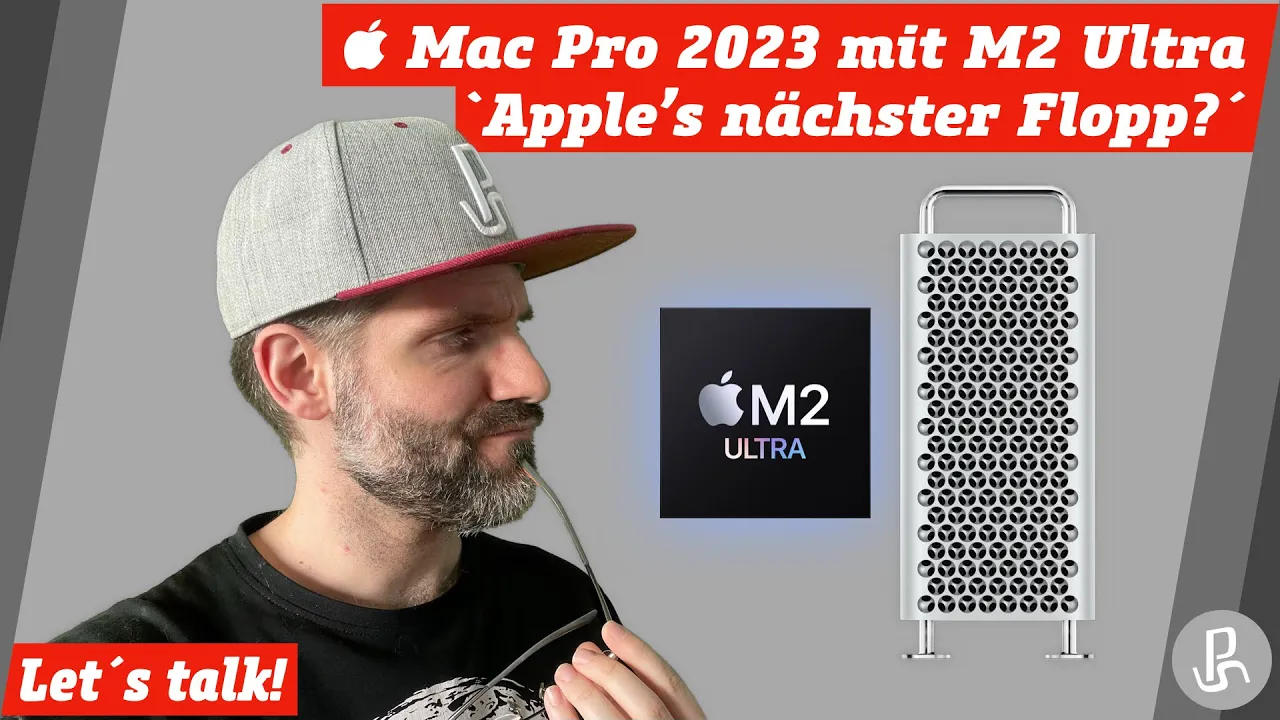
Mac Pro 2023 "Apple´s nächster Flop?" - Let´s talk! 23:23
Mac Pro 2023 "Apple´s nächster Flop?" - Let´s talk!
#PlayStefan #WWDC2023 #MacStudio #MacPro Hallihallo und herzlich willkommen zu diesem neuen Video meinerseits, heute möchte ich einmal über den Mac Pro 2023 sprechen, den letzten Mac im Bunde, der noch Richtung Apple Silicon umgestellt werden musste und dies nun im Rahmen der WWDC 2023 auch wurde. Ich möchte hier Insbesondere auf die Fragestellung eingehen, ob dies Apple´s nächster Flop werden könnte und natürlich auch meine Gründe dafür nennen, warum ich dies durchaus so sehe ???? Ich wünsche euch nun viel Spaß mit diesem Video! Euer PlayStefan✌???????? +++ Weitere Infos zum Gerät: https://www.apple.com/de/mac-pro/ https://www.apple.com/de/mac-studio/ Wiki-Artikel zum Power Mac G4 Cube: https://de.wikipedia.org/wiki/Power_Mac_G4_Cube +++ Warum ich jetzt doch wieder einen Mac Studio habe: https://youtu.be/hIQT_HBJglA Warum der 1. Mac Studio zurück ging: https://youtu.be/vf4f7XEUM2I ASMR-Unboxing des Mac Studio: https://youtu.be/5TFyDVN3I7c Vorstellung des Mac Studio beim Apple Event vom 08. März 2022: https://youtu.be/iutotTiexpc Wie der Mac Studio entstand (Fun): https://youtu.be/loVbZj6TpL0 +++ Let´s play Zweitkanal: https://www.youtube.com/@PlayStefan_One Twitch: https://www.twitch.tv/PlayStefan HomePage: https://www.PlayStefan.de SocialMedia: https://www.twitter.com/PlayStefanDE https://www.facebook.com/PlayStefanDE https://www.instagram.com/PlayStefanDE amazon affilate Link (kauft ihr über diesen Link bei Amazon unterstützt ihr mich, ohne Mehrkosten für euch!): https://amzn.to/3BDRa2W
0 0   73   27-10-2023   Tecnologia   0